Screenshots
A look at each tab
Professional preview images for CPUZ tabs and device information screens.
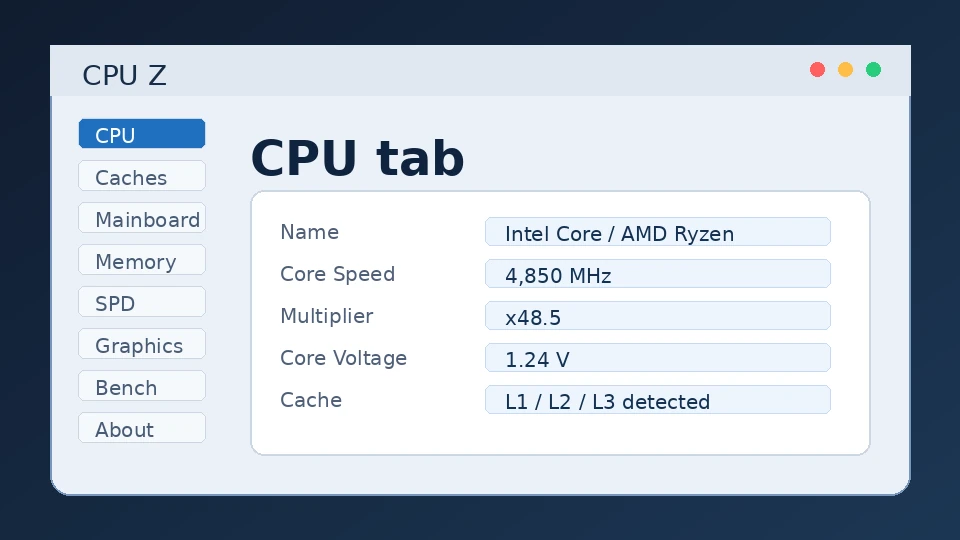
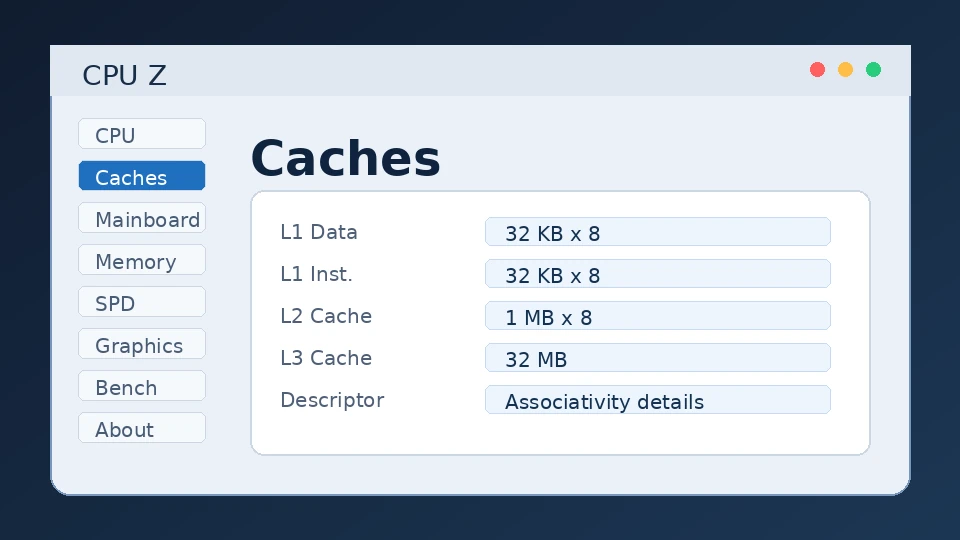
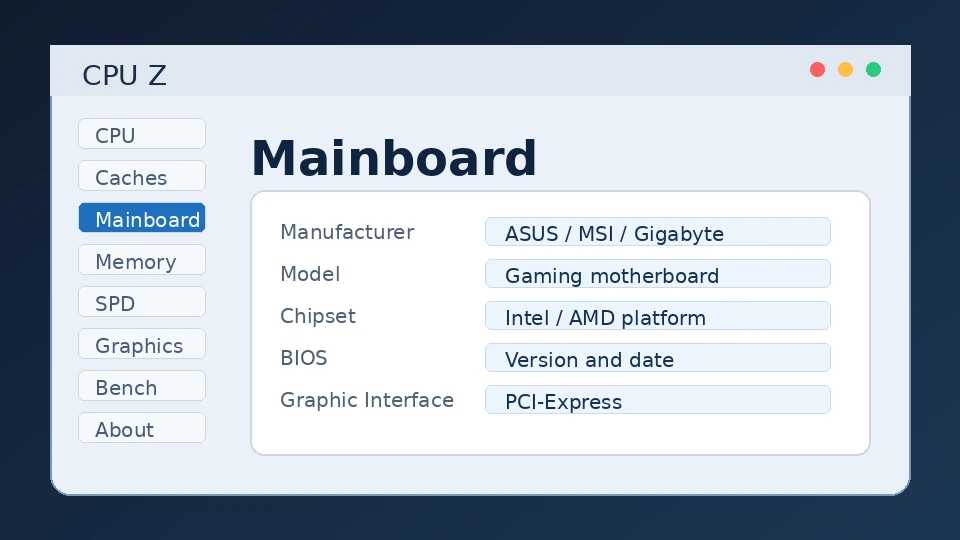
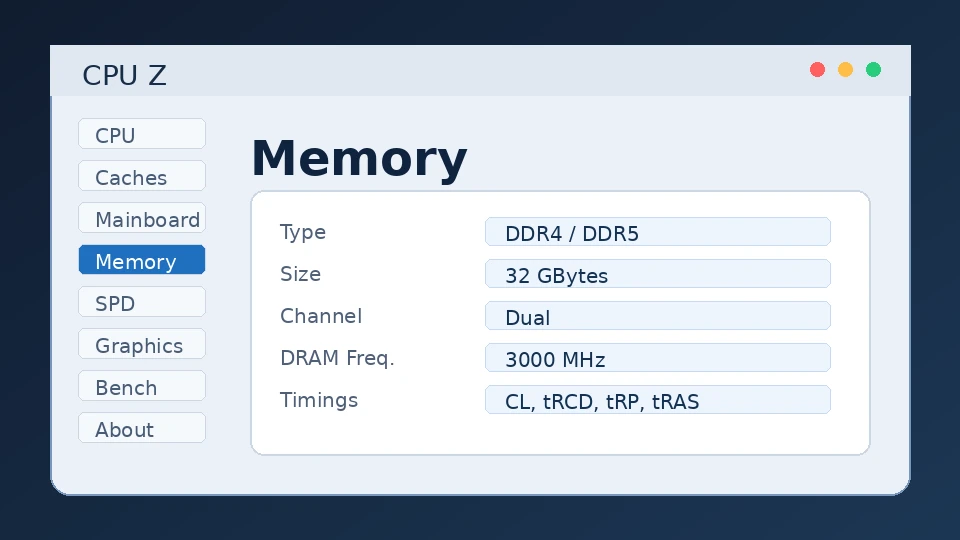
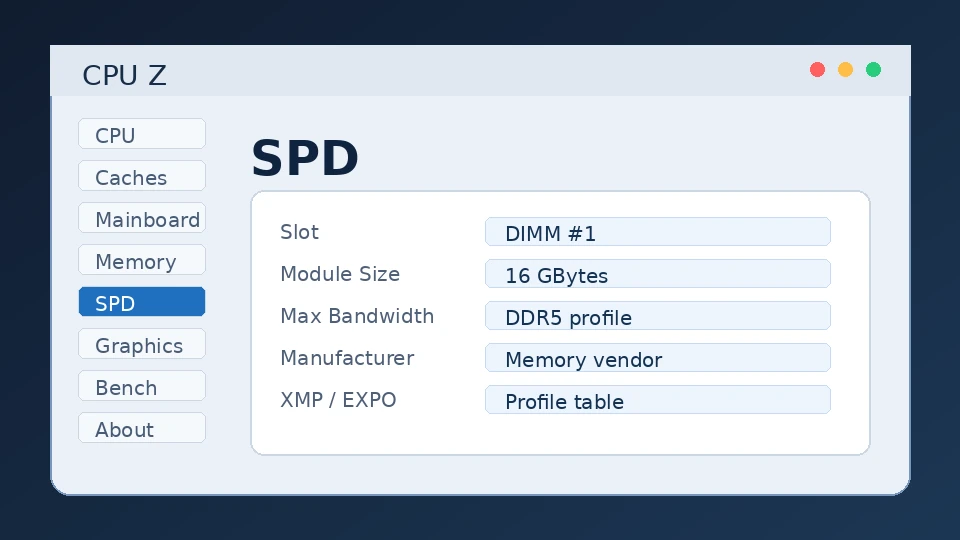
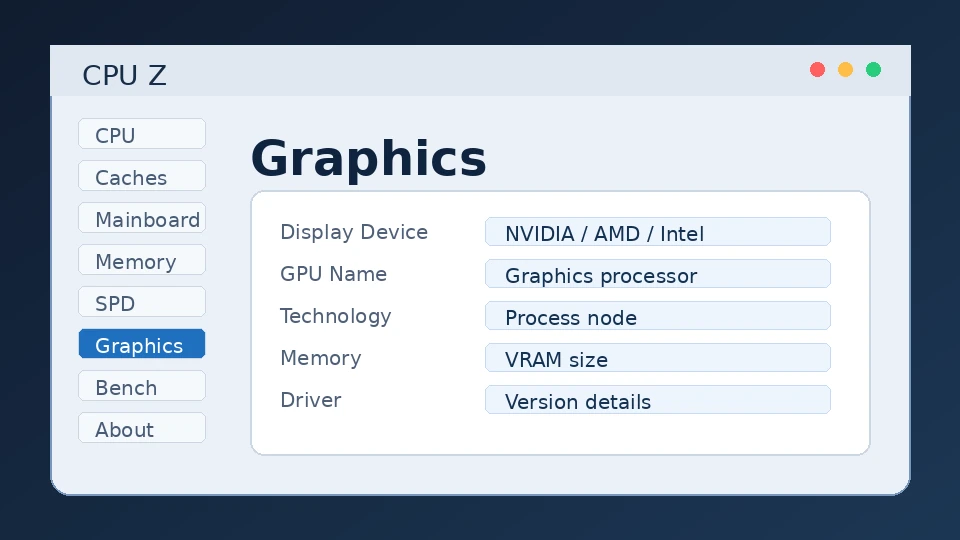
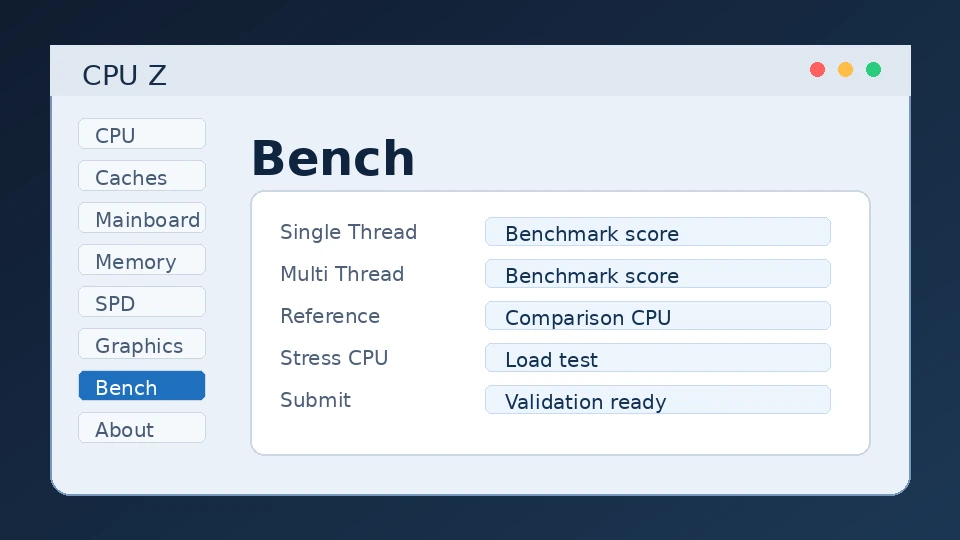
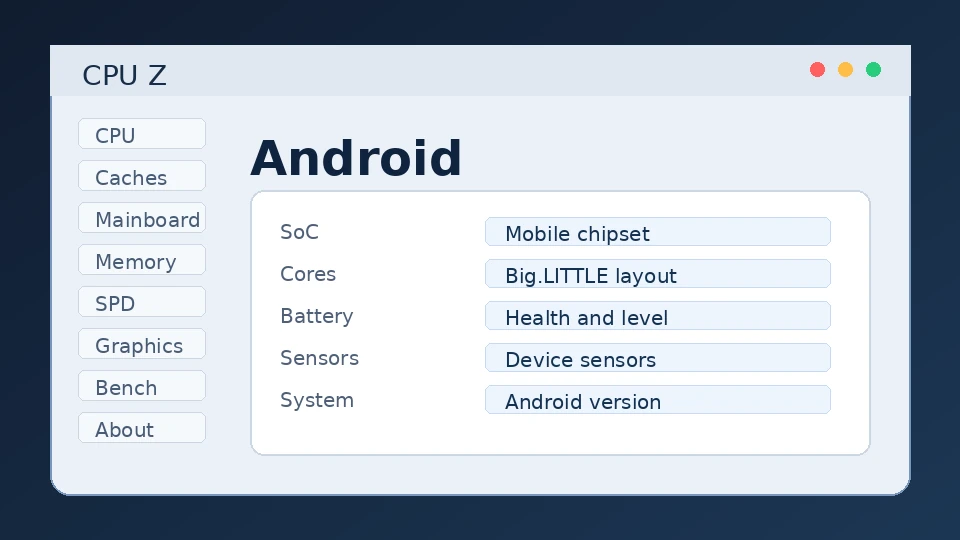
CPUZ is a free system-profiling tool that shows your processor, motherboard, memory and graphics details in real time — clocks, voltages, timings and cache, all in one lightweight window.
CPUZ is an independent informational resource. CPUZ is developed by CPUID; download buttons link to the official source at cpuid.com.
A small, trustworthy way to know exactly what hardware is inside any Windows PC or Android phone — without opening the case.
CPUZ is a freeware system-profiling utility made by CPUID. It reads your processor, motherboard chipset, memory modules and graphics adapter and presents the details — model, stepping, frequency, voltage, cache and memory timings — in a clean tabbed window. Because it reports live clock speeds, it's a staple tool for anyone overclocking, troubleshooting, or simply verifying that a new build matches the spec sheet.
First released in 2001, CPUZ has been maintained continuously for more than two decades, with frequent updates that add detection for the latest AMD, Intel, Qualcomm and graphics platforms. The detection engine is well-regarded enough that CPUID also licenses it as a development kit used inside other hardware tools.
Who should use it? PC builders confirming a configuration, gamers and overclockers monitoring clocks and voltages, students and researchers documenting machine specs, IT staff auditing fleets, and content creators reporting their rig details. If you've ever asked "what's actually in this machine?", CPUZ answers it.
To replace guesswork and case-opening with an instant, accurate read of your hardware — including details Windows itself doesn't surface.
Long treated by reviewers and enthusiasts as the reference utility for CPU and memory identification, valued for accuracy, tiny footprint and a portable build that leaves no registry trace.
Nine readouts that turn a mystery box into a fully documented machine.
Name, code name, socket, process node, package, core voltage and the full supported instruction-set list — identify any CPU at a glance.
Real-time core speed, multiplier and bus speed update as your CPU boosts or throttles, so you can confirm overclocks instantly.
Motherboard vendor, model and revision, chipset, plus BIOS brand, version and date for diagnosing platform issues.
Channel mode, frequency and the exact CAS/RAS timings — essential for tuning RAM and validating XMP/EXPO profiles.
Read each module's manufacturer, part number, capacity and supported JEDEC profiles slot by slot.
GPU name, clocks and memory for your active adapter, handy for verifying a card or watching boost behaviour.
A quick single- and multi-thread CPU benchmark with reference scores lets you compare your chip against others.
Export a full system summary to TXT or HTML in one click — perfect for support tickets, listings or build logs.
Around 5 MB, installs in seconds, and a portable edition runs straight from a USB stick with no install at all.
CPUZ is famously light. If your PC turns on, it almost certainly qualifies.
| OS | Windows 7 (32/64-bit) or newer |
| CPU | Any x86/x64 processor |
| RAM | 256 MB |
| Storage | ~10 MB free |
| GPU | Any (basic display) |
| Internet | Only for download/updates |
| OS | Windows 10 / 11 (64-bit) or ARM64 |
| CPU | Modern Intel / AMD / Snapdragon |
| RAM | 1 GB+ |
| Storage | 20 MB free |
| GPU | Any supported adapter |
| Internet | For latest detection updates |
Mobile: CPUZ for Android requires Android 4.0 or later. There is no official iOS, macOS or native Linux build — see the alternatives section for those platforms.
We don't re-host the installer. The buttons send you to CPUID's official download page so you always receive a genuine, unmodified file.
certutil -hashfile cpu-z.exe SHA256
Pick your platform. Each takes under a minute.
Use the Windows button above to reach CPUID's page and save cpu-z_x.xx-en.exe.
Double-click it and accept the Windows User Account Control prompt.
Agree to the license and keep the default install folder — there are no bundled toolbars to opt out of.
Open it from the Start menu. The CPU tab loads your processor details instantly.
On CPUID's page pick the portable (.zip) edition instead of the installer.
Unzip it to any folder or a USB drive — no installation needed.
Launch cpuz_x64.exe on 64-bit Windows (or cpuz_x32.exe on 32-bit). It leaves no registry trace.
Search for "CPUZ" by CPUID, or use the Android button above.
Tap Install, then open the app to read your phone's SoC, sensors, battery and device info.
There is no official CPUZ build for macOS, iOS or native Linux. Rather than install anything unofficial that claims to be "CPUZ," use a trusted equivalent for your platform:
CPU-X is the closest open-source counterpart; lscpu, inxi and hardinfo also work well.
Use the built-in System Information app, or Macs Fan Control / iStat Menus for live readouts.
Apple restricts low-level hardware access; device-info apps from the App Store are the practical option.
Read practical CPUZ posts with clear steps, feature images and direct links to the full guide.
On launch it reads the processor's CPUID instruction, ACPI/SMBIOS tables and chipset registers to enumerate your components.
Raw IDs are matched to CPUZ's regularly-updated database to resolve friendly names, code names and specifications.
It continuously samples core frequency, multiplier and bus speed so the readout reflects live boost and idle states.
Results are organised into tabs, with optional benchmark, online validation and one-click report export.
| Category | Supported | Notes |
|---|---|---|
| Operating systems | Windows 7 → 11, Windows Server, ARM64; Android 4.0+ | No official macOS / iOS / Linux build |
| Architectures | x86 (32-bit), x64, ARM64 | Separate builds per architecture |
| Processor vendors | Intel, AMD, Qualcomm Snapdragon | New models added each update |
| Devices | Desktops, laptops, handhelds, Android phones/tablets | Portable build runs from USB |
| Developer integration | CPUID System Information SDK | Embed detection in your own app (Windows/Android) |
Document a machine's exact specs for coursework, labs or to check minimum requirements before installing software.
Confirm clocks, RAM speed and GPU details, and verify a prebuilt actually contains the parts advertised.
Capture target hardware details for performance testing or to reproduce platform-specific bugs.
Audit and inventory machines quickly with exportable per-device reports.
Record precise system configurations so experiments and benchmarks stay reproducible.
Pull accurate rig specs for build videos, listings and "what's in my PC" posts.
Professional preview images for CPUZ tabs and device information screens.
Update to the newest version, run as administrator, and temporarily disable aggressive antivirus or monitoring software that can clash with low-level access. Re-download from the official source if the file may be incomplete.
Very new hardware may need a newer build — the database is updated per release. Install the latest version, and for ARM devices use the ARM64 build.
Some chipsets are slow to respond to SPD reads. Give it a moment, avoid clicking repeatedly, and update — these reads are improved regularly.
Low-level hardware access can trigger false positives. If you downloaded from the official source and verified the checksum, it's safe to allow; otherwise re-download and scan again.
Performance tip: close the SPD/Memory tabs when you don't need them — leaving CPUZ polling continuously uses slightly more CPU than necessary.
Yes — CPUZ is a long-established, widely-trusted utility from CPUID. The one rule that matters: download it from the official source (or a reputable mirror you trust) and verify the checksum. Unofficial copies labelled "CPUZ" are where risk creeps in, which is exactly why this page links to CPUID rather than re-hosting the file.
CPUZ reads hardware locally and isn't designed to harvest personal data. The optional "Validate" feature only uploads a hardware spec snapshot when you choose to use it. Review CPUID's own policies for the authoritative details.
Needs low-level hardware access to read sensors and registers; that's normal for a profiling tool.
No background telemetry by design; only the spec you explicitly validate is sent.
Always confirm the SHA-256 against CPUID's published value after downloading.
Each does something slightly different — many enthusiasts run two together.
| Tool | Price | License | OS | Best for | Temps? |
|---|---|---|---|---|---|
| CPUZ | Free | Freeware | Win, Android | CPU/RAM identification | ✗ |
| HWMonitor | Free / Pro | Freeware | Windows | Voltages & temperatures | ✓ |
| HWiNFO | Free | Freeware | Windows | Deep sensor monitoring | ✓ |
| GPU-Z | Free | Freeware | Windows | Graphics-card detail | ✓ |
| Speccy | Free / Pro | Freemium | Windows | Friendly full overview | ✓ |
| CPU-X | Free | Open source | Linux, *BSD | CPUZ-style on Linux | ✓ |
This space is reserved for genuine reviews collected from your visitors or a verified review platform.
Add real, verifiable reviews here — wire this section to a review platform or your own moderated submissions. Avoid inventing testimonials: fabricated reviews violate Google's review-snippet policy and erode trust. The layout below is ready for genuine entries.
Yes. CPUZ is freeware from CPUID, free for personal and most professional use with no license fee or paywall. It's offered as donationware, so contributing is optional. Always download it from the official source to be sure you're getting the genuine, unmodified application.
Download the installer from CPUID's page, double-click it, accept the User Account Control prompt, agree to the license and keep the default folder. Installation takes seconds and there are no bundled extras to decline. Prefer no install? Grab the portable ZIP and run it directly.
Yes. CPUID offers a portable ZIP build that runs without installation and leaves no registry entries. Extract it to a folder or USB stick and launch the executable that matches your architecture (x64 or x32). It's ideal for technicians working across multiple machines.
Yes. CPUID publishes a free CPUZ app on Google Play that reports your phone's system-on-chip, sensors, battery and device information. It requires Android 4.0 or later. There is no official iOS edition because Apple restricts the low-level access the tool needs.
The CPUZ installer is roughly 5 MB, and it uses only a few megabytes once installed. That tiny footprint and near-instant launch are part of why it's stayed a go-to utility for over twenty years.
From the official source, yes — it's a trusted tool used for decades. Because it reads hardware at a low level, antivirus tools occasionally show a false positive. Verify the file's SHA-256 against the checksum CPUID publishes, and avoid unofficial copies, which are the real source of risk.
No — CPUZ focuses on identifying and monitoring clocks, voltages and specifications, not thermals. For temperatures, pair it with HWMonitor (also by CPUID) or HWiNFO. The terms "cpuz temperatura" usually refer to people wanting this combination.
Frequently — CPUID ships regular releases that add detection for the newest AMD, Intel, Qualcomm and graphics platforms plus bug fixes. Keeping it current ensures brand-new CPUs and chipsets are recognised correctly. Check the official page periodically or whenever you install new hardware.
CPUZ identifies your hardware and reports clocks, timings and specs. HWMonitor concentrates on live sensor data — temperatures, fan speeds and voltages. They complement each other, which is why many builders and overclockers keep both open at the same time.
Not directly — there's no official build for those systems. On Linux, CPU-X is the closest open-source equivalent (alongside lscpu and inxi); on macOS, the built-in System Information app or tools like iStat Menus cover similar ground.